

How To Spy On Your Competitors Facebook Ads For Free
Did you know that you can spy on your competitors on Facebook ads? This is a great tool to not only see what your competitors are doing, but you can get an insight into what some of the companies you look up to are doing. Learn some of their headlines, descriptions, and ad creatives. This is simple to do, so I’m going to waste as little time as possible.
Log in to Facebook
This is given and an easy step. Log in to your Facebook account and once you have done that, you’ll move on to the next step.
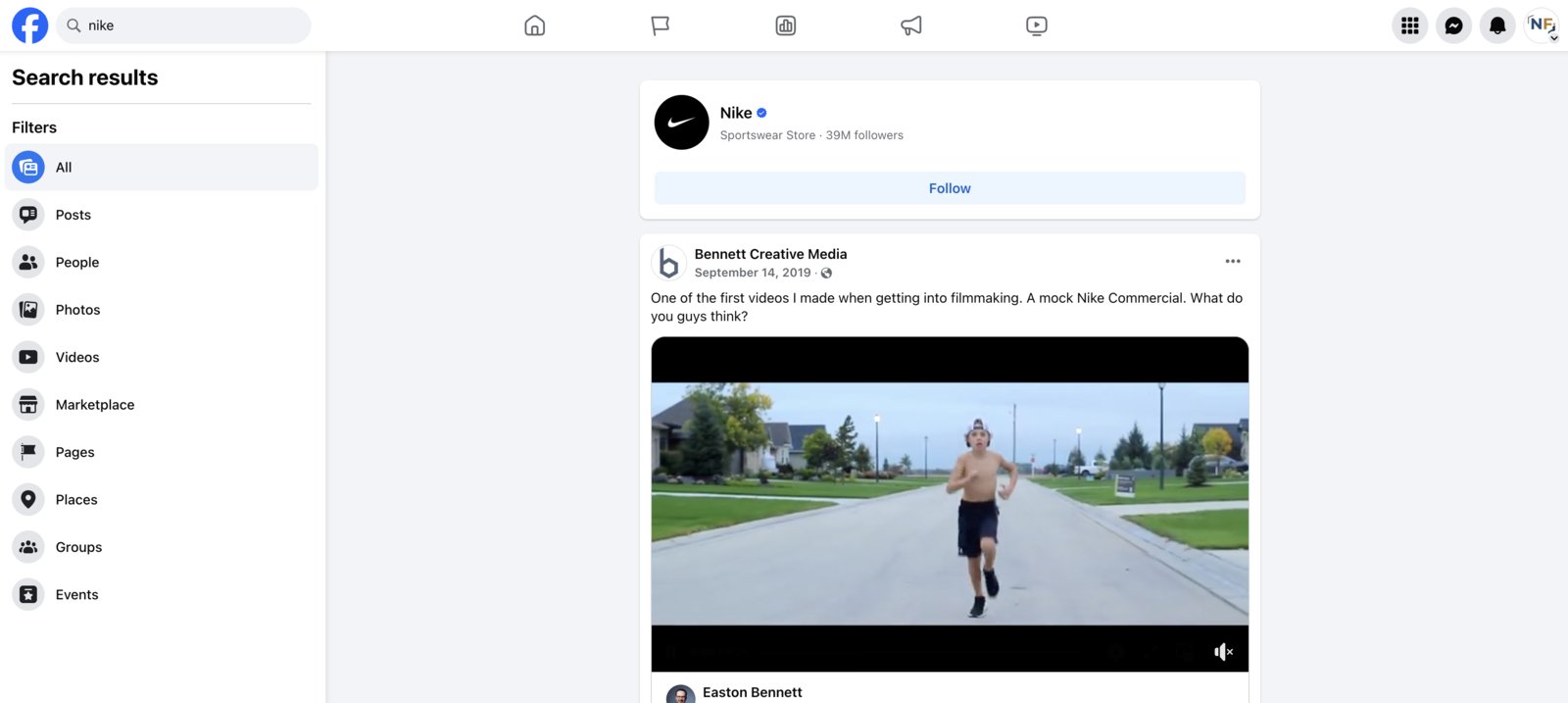
Go to A Competitor or Other Accounts Page
In the search bar of Facebook, look up your competitors Facebook page or a company that you would just like to view their ads that they are currently running. Once you have searched for the page, click and go to the page.
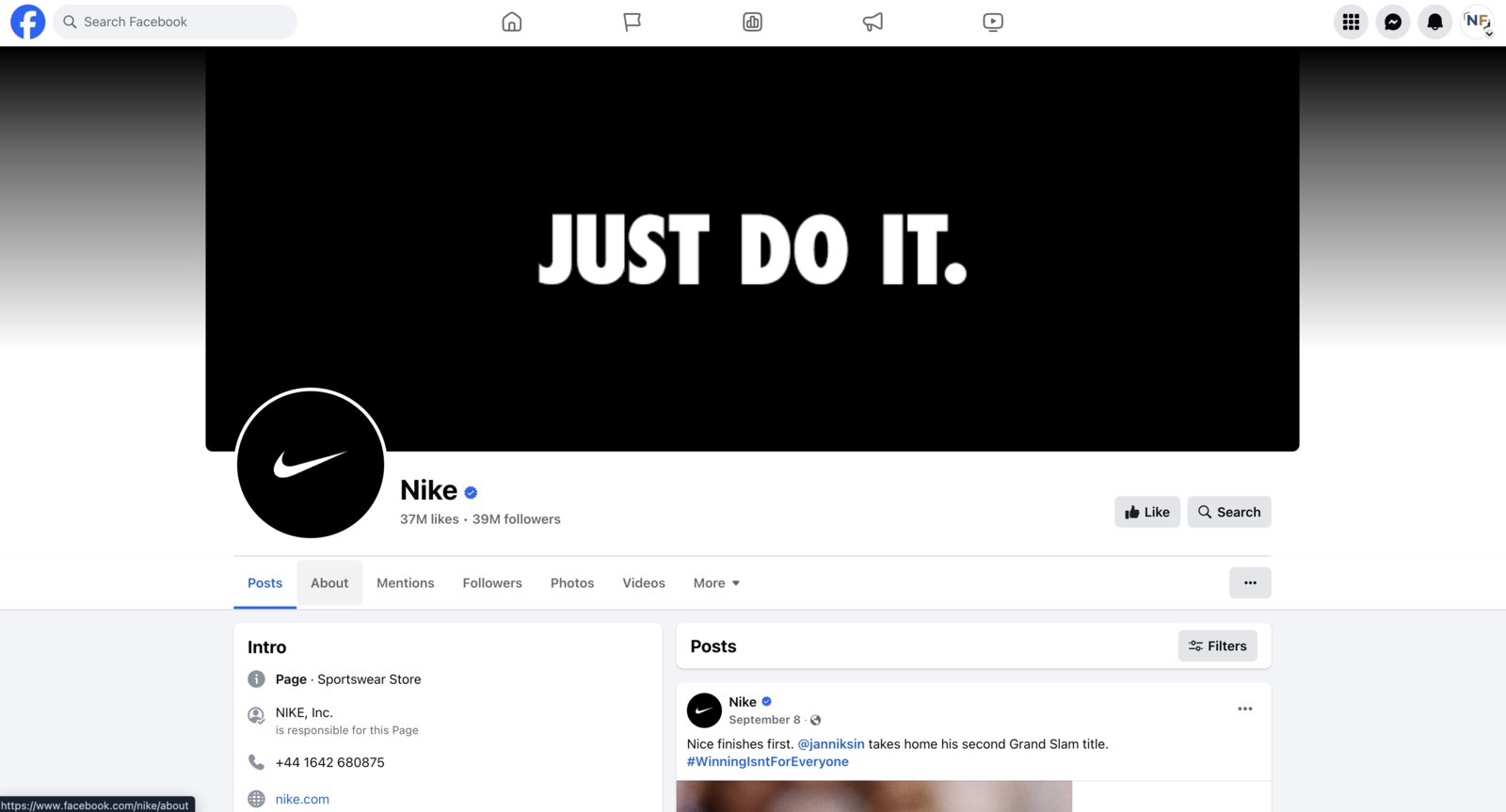
Click The About Tab
When you get to the Facebook page, click the about tab.
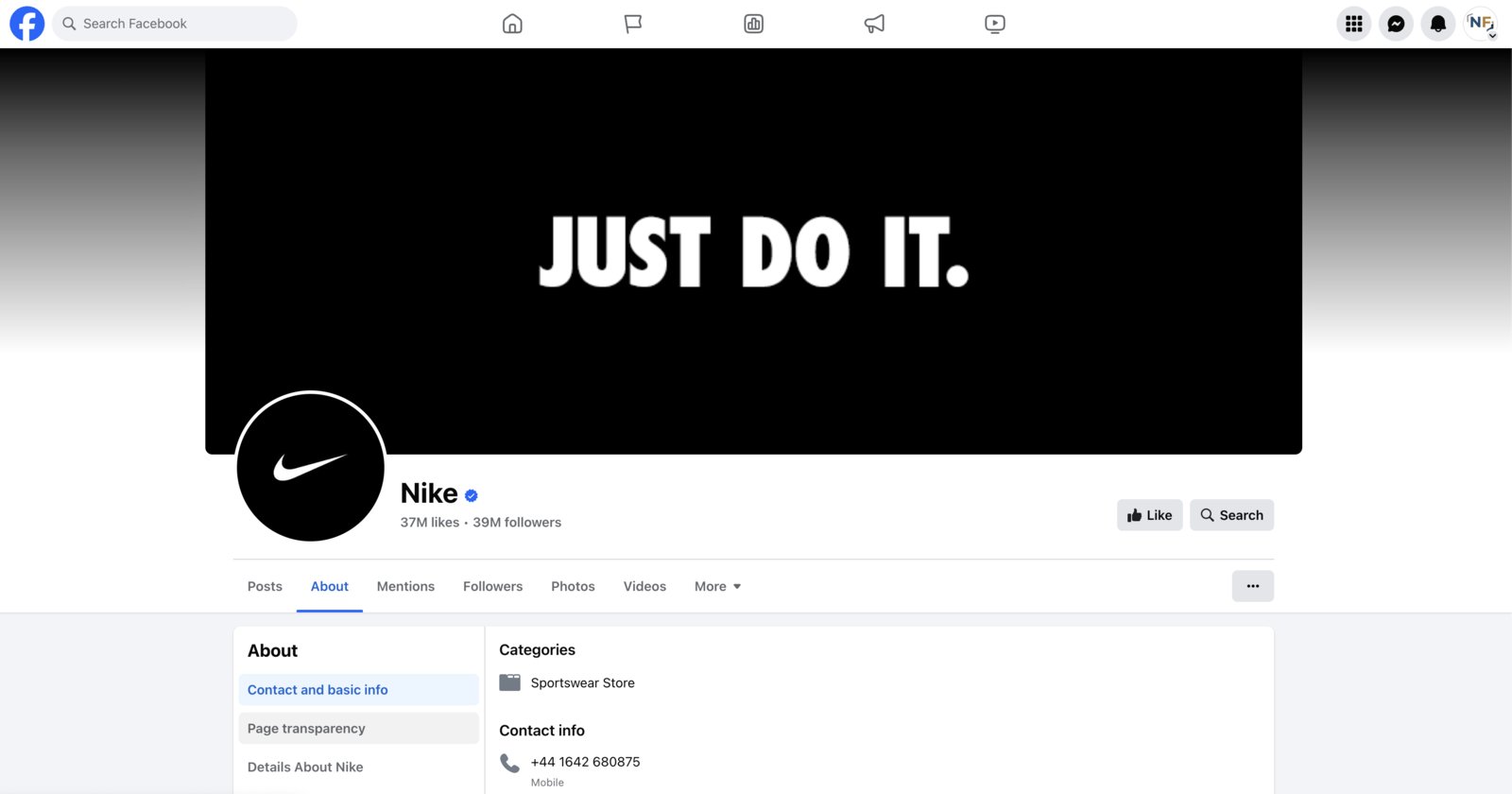
Select ‘Page Transparency’
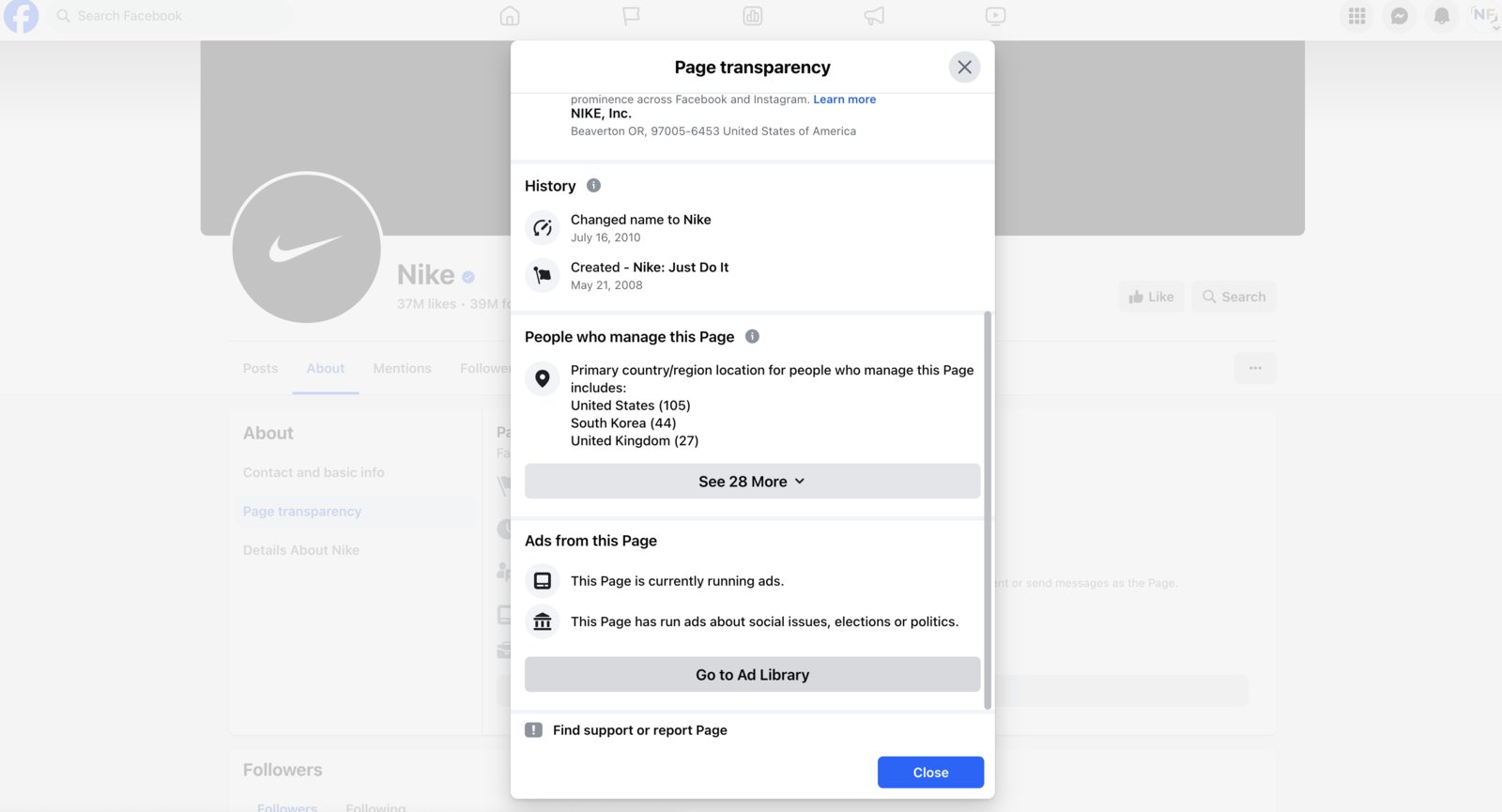
At the bottom, under the about section, you’ll see a tab titled “Page Transparency”. In this section, you will see if they are running ads or not. You can do these next steps whether they are or are not, but if they are not running ads, there may not be as much of a purpose to continue going. You can find a new page or competitor to spy on.
Side note: It may still be beneficial to go through all the way to the end, as they may just not have any ads currently running. There are filters once you get to the last step and you can search for inactive ads, or ads they have ran previously but no longer run them.
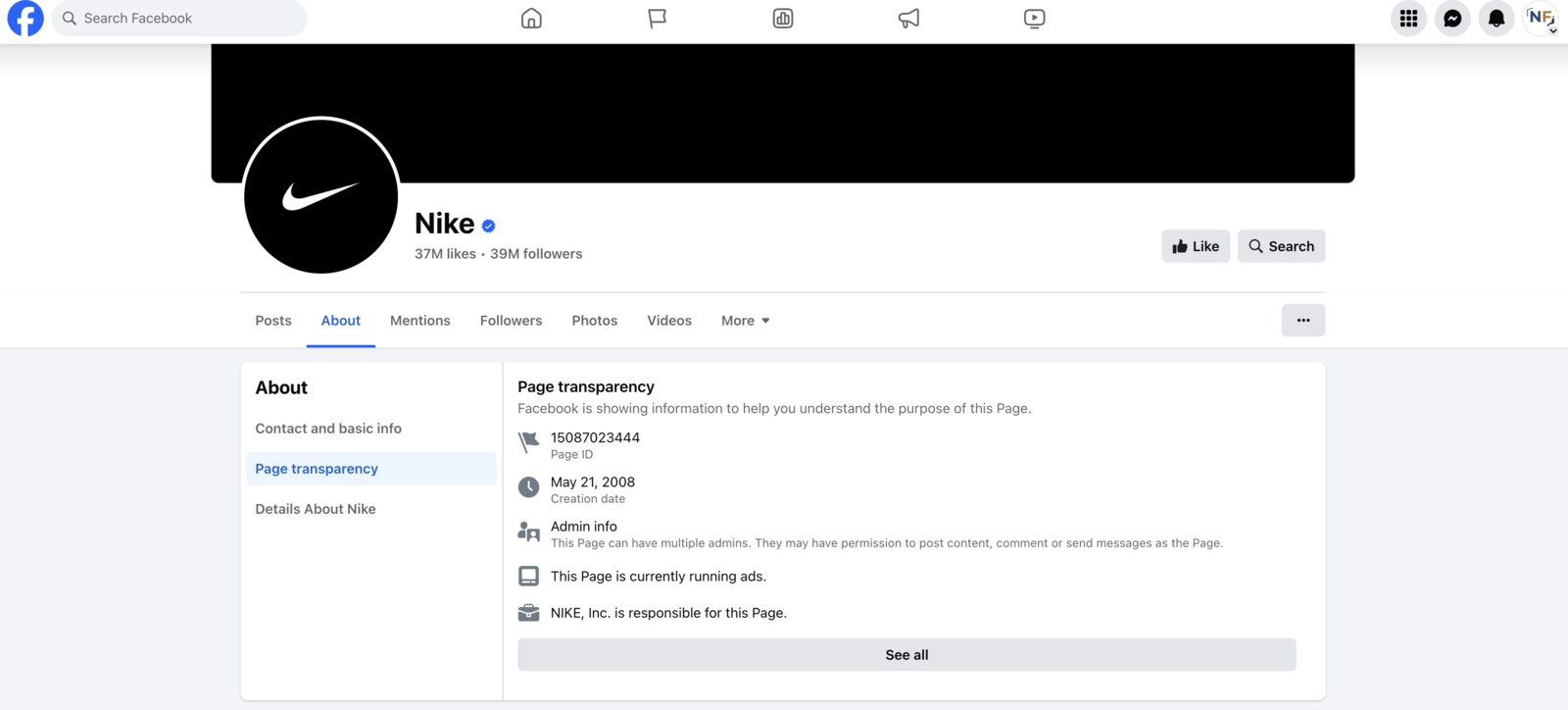
Choose ‘See All’
If they are running ads and you wish to continue, click “See All”. This will bring you to the next step.
Scroll to the Bottom, Click ‘Go to Ad Library’
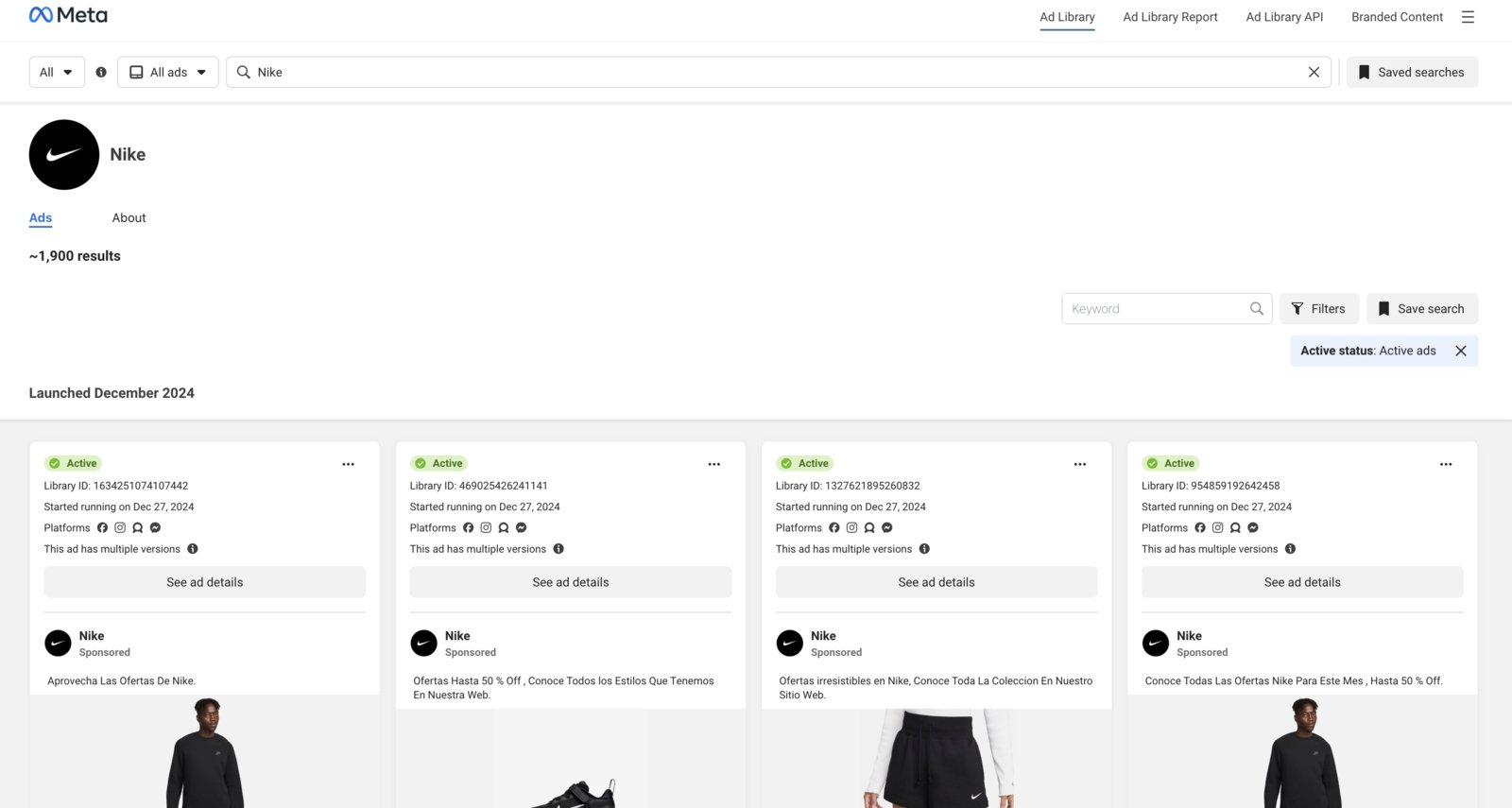
This is the last step to get you to their ads. Click the “Go to Ad Library” button and this will bring you to a new window. This is where all of their ads will live.
Spy on Your Competitors Facebook Ads
Now you have complete access to all of this competitor or companies Facebook ads. Feel free to scroll through to look at, watch, and browse their catalog. It may spark some ideas for you with your Facebook ads or just to get a glimpse of what other people are doing.
This should help unlock a new potential for your ad strategy! However, if you are still struggling and looking for assistance, you can contact us to see if we would be a good fit and help you reach your Facebook ad marketing goals.
Related Articles
 Social & Content
How to Schedule Instagram Reels (Phone + Computer)
Schedule Instagram reels in advance from the phone app or Meta Business Suite on your computer. Step-by-step guide for both methods.
Tyler · April 1, 2026
 Social & Content
The 6 Best Marketing Podcasts to Level Your Knowledge Up
In this ever changing market, it can be tough keeping up and adapting your marketing efforts. Here is a list of the best marketing podcasts to listen.
Tyler · July 20, 2023
 Social & Content
Social Media for Clinics: What to Stop, What to Start (and Every Excuse to Drop)
We audited 100s of clinic social media accounts. Here's what wastes your time, what grows your account, and answers to every reason clinics give for not posting.
Tash · June 20, 2026
Run Your Own Clinic Marketing
Cliniverse gives you the ads, posts, courses, and AI to grow your clinic, with experts on call. You own everything you build.