
Your Clinic Can't Claim Its ChatGPT Listing Yet (Do This Instead)
On November 10, OpenAI launched Businesses in ChatGPT, and it's shaping up to be ChatGPT's version of your Google Business Profile: you claim your listing, keep your details current, and see how often ChatGPT mentions you. Your Google profile became one of the most valuable things a clinic owns. This is the same idea for ChatGPT.
As of November 2026, a Canadian clinic can start the claim but will land on a waitlist, because local businesses outside the US can't finish claiming yet. Treat it like your Google Business Profile and get in line now: it's free, and most clinics don't know it exists yet. Until you're in, keep your website and other listings accurate, because that's what ChatGPT draws on.
What Business Hub Does
Once your claim is approved, you can update your website, description, category and logo, and see insights from the past 28 days:
- Mentions: how often ChatGPT showed your location in an answer, even if nobody opened it.
- Website clicks: how often people clicked through to your site.
- Discovery topics: common themes in the answers that mentioned you. You don't see anyone's individual questions.
Claiming needs no paid plan or ads account. You do need to pass an identity check with Persona (a verification service), which may ask for government ID and business registration details, before you can publish changes or see insights. The blue verified check appears after that. Details are in OpenAI's Business Hub setup guide.
Where Canadian Clinics Stand
OpenAI's guide says local businesses can currently claim only an existing US listing, so Canadian clinics go to a waitlist. Business Agents (a chatbot that answers customer questions for you) are US-only and limited to ecommerce and online service businesses, so they don't apply to clinics yet either.
How to Get in Line
Sign in to ChatGPT with an account the clinic controls, ideally your clinic email rather than a staff member's personal account.
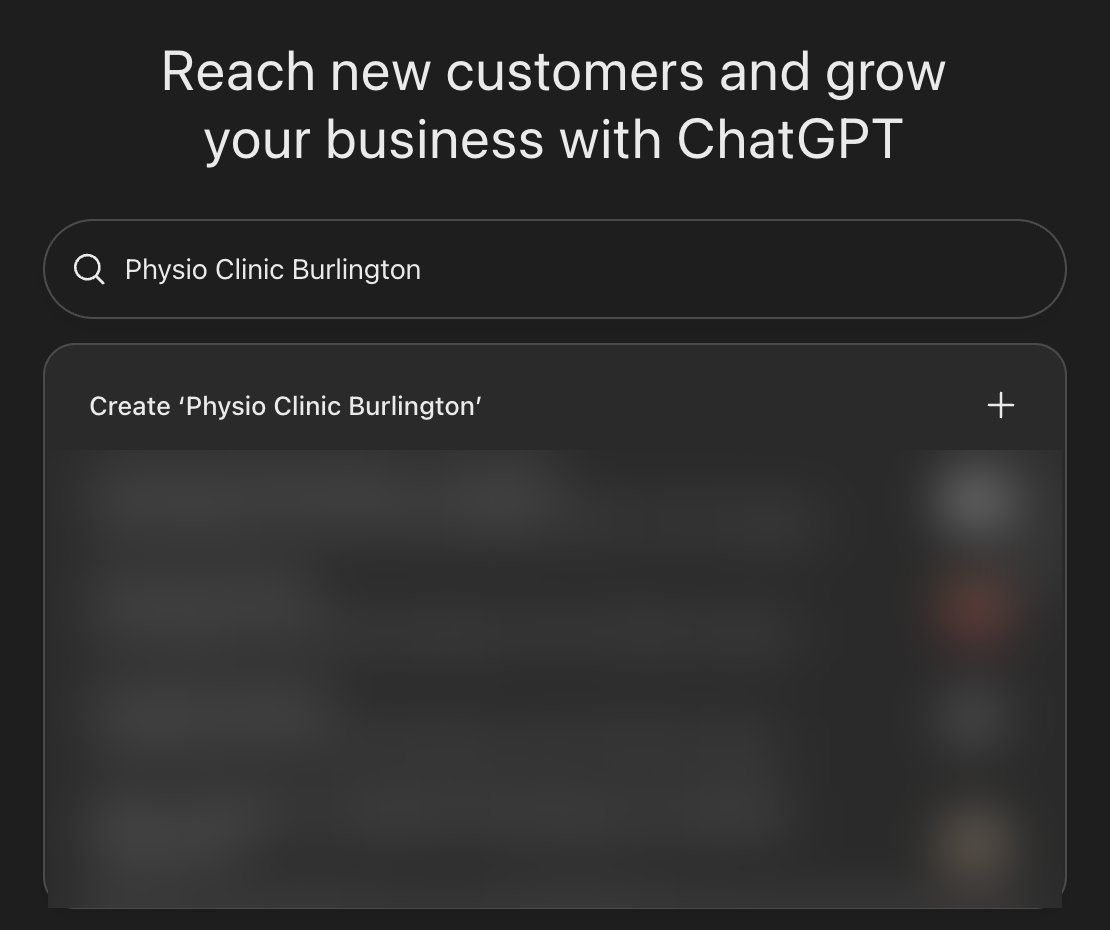
1. Search for your clinic: go to chatgpt.com/business-hub and type your clinic's name. Pick your clinic if it's listed, or choose "Create."
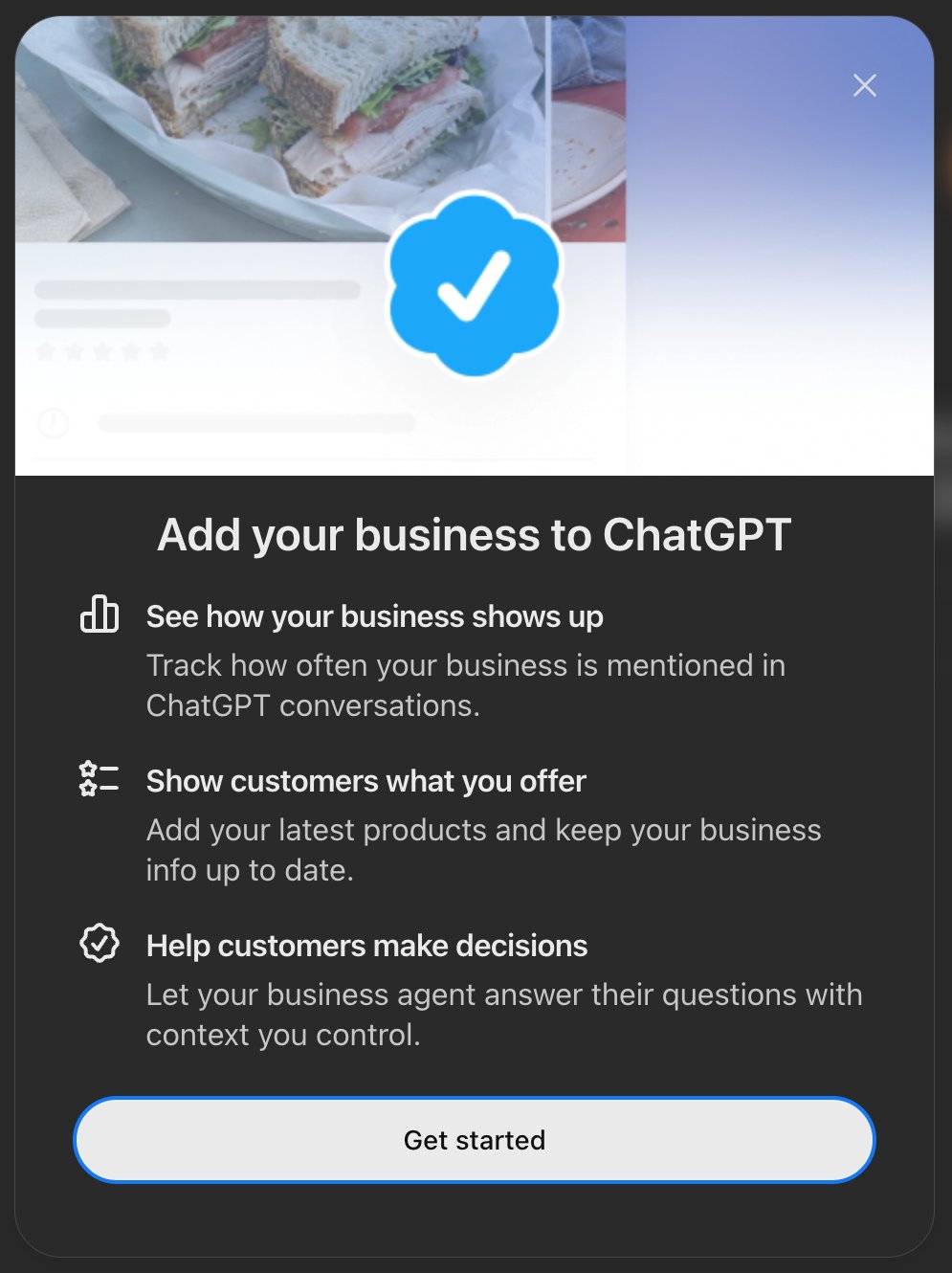
2. Select "Get started": this screen lists what claiming gives you.
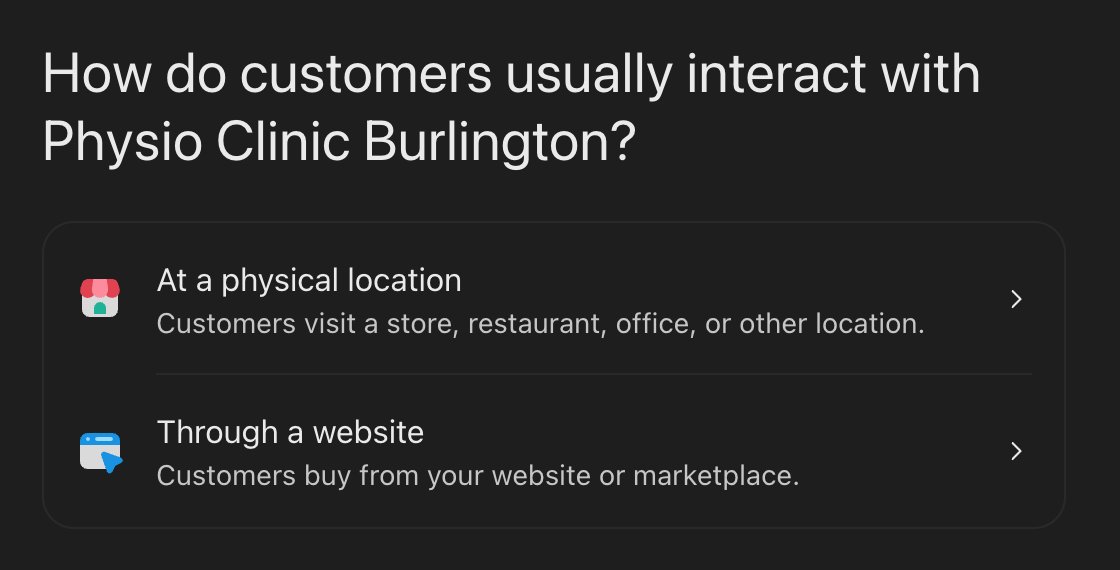
3. Choose "At a physical location": the option for any clinic patients visit in person.
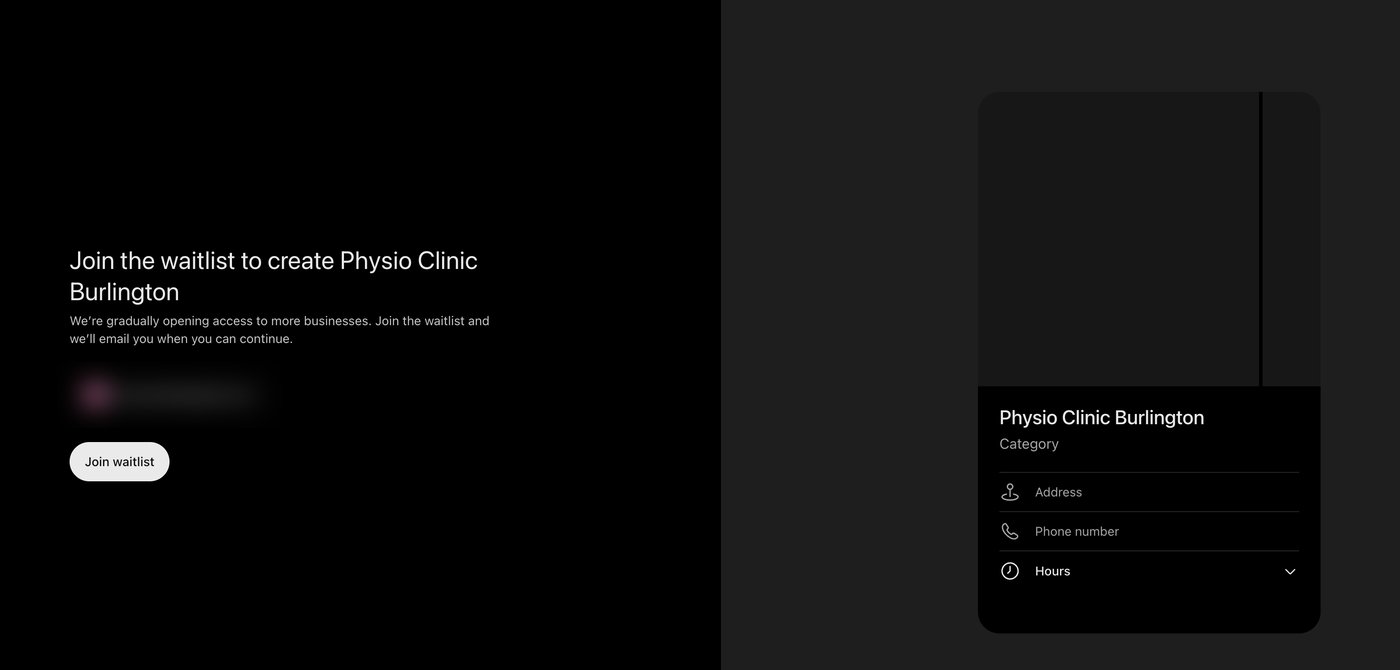
4. Join the waitlist: OpenAI says it's opening access gradually and will email you when you can continue. Then you'll verify with your clinic phone number, business email, or a DNS record on your website (DNS is the settings panel for your domain), and complete the identity check.
What to Update While You Wait
OpenAI says ChatGPT may use other sources when answering questions about your business, and for now those sources are all it has. Make sure they match:
- Your website: hours, address, services, practitioners, direct billing, and a clear way to book.
- Your Google Business Profile, with the same name, address and phone number as your site.
- Bing Places and the other free listings in our list of free marketing platforms for clinics.
- Apple Business, for patients searching on an iPhone.
More on getting your clinic recommended by ChatGPT. Keeping listings like these current is part of done-with-you clinic marketing. We'll update this post when OpenAI opens claims for Canadian locations.
Related Articles
 AI & Tools
What Is GEO, and Why AI Quotes Your Competitor Instead of You
What GEO (generative engine optimization) is, how it differs from AEO and SEO, and what to change so ChatGPT and Google's AI quote your business.
Tyler · November 16, 2026
 AI & Tools
How to Rank on AI Search Engines in 2026 (ChatGPT, Perplexity, Gemini, SearchGPT)
Learn how AI search engines rank businesses today. We explain AI Search SEO, trust signals, entity strength & the steps to show up in AI answers.
Tyler · November 16, 2026
 AI & Tools
5 Ways Clinic Owners Can Use ChatGPT, and How to Get Recommended
How clinic owners can use ChatGPT for marketing and admin, with prompts to copy, plus what helps ChatGPT recommend your clinic when patients ask.
Tash · November 16, 2026
Run Your Own Clinic Marketing
Cliniverse gives you the ads, posts, courses, and AI to grow your clinic, with experts on call. You own everything you build.