
How To See Which of Your Social Posts Show Up on Google
Google Search Console now connects social accounts. Add your account, and you can see which of your posts show up in Google and what people searched to find them.
Connecting doesn't help you rank. Google isn't indexing your profile any better because you linked it. What you get is data nobody had before.
How to Connect Your Social Profiles to Google Search Console
In Search Console, click the property dropdown and choose Add property. You'll see the usual "Add a website" option, and under it, Instagram, TikTok, X, and YouTube.
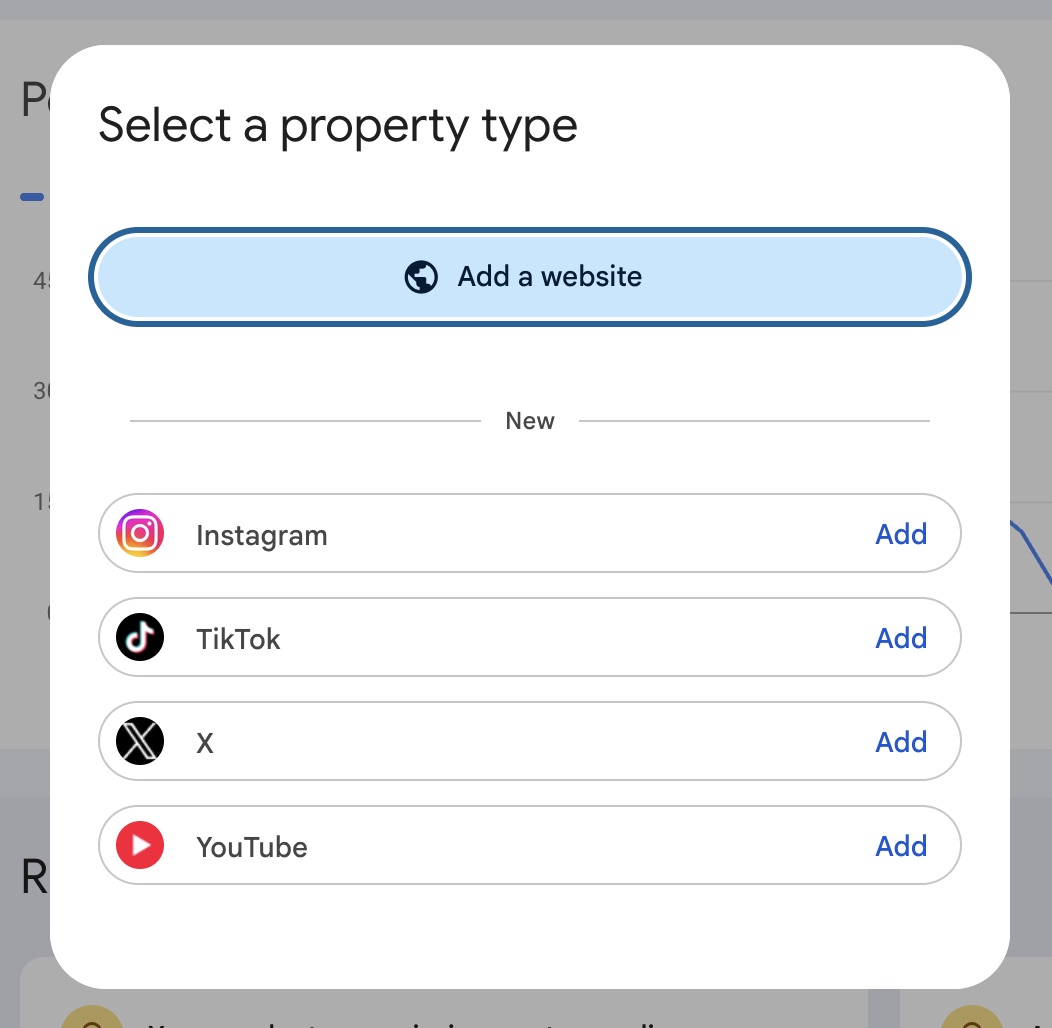
Pick one, log into that account, and you're done. Repeat for each account you have.
The Data Google Search Console Shows You
Same reports as your website property, and the same ones on every platform.
Insights is the summary: your top content, the queries bringing people in, and your top countries. Each splits into Top, Trending up, and Trending down, so you can see what's gaining and what's fading.
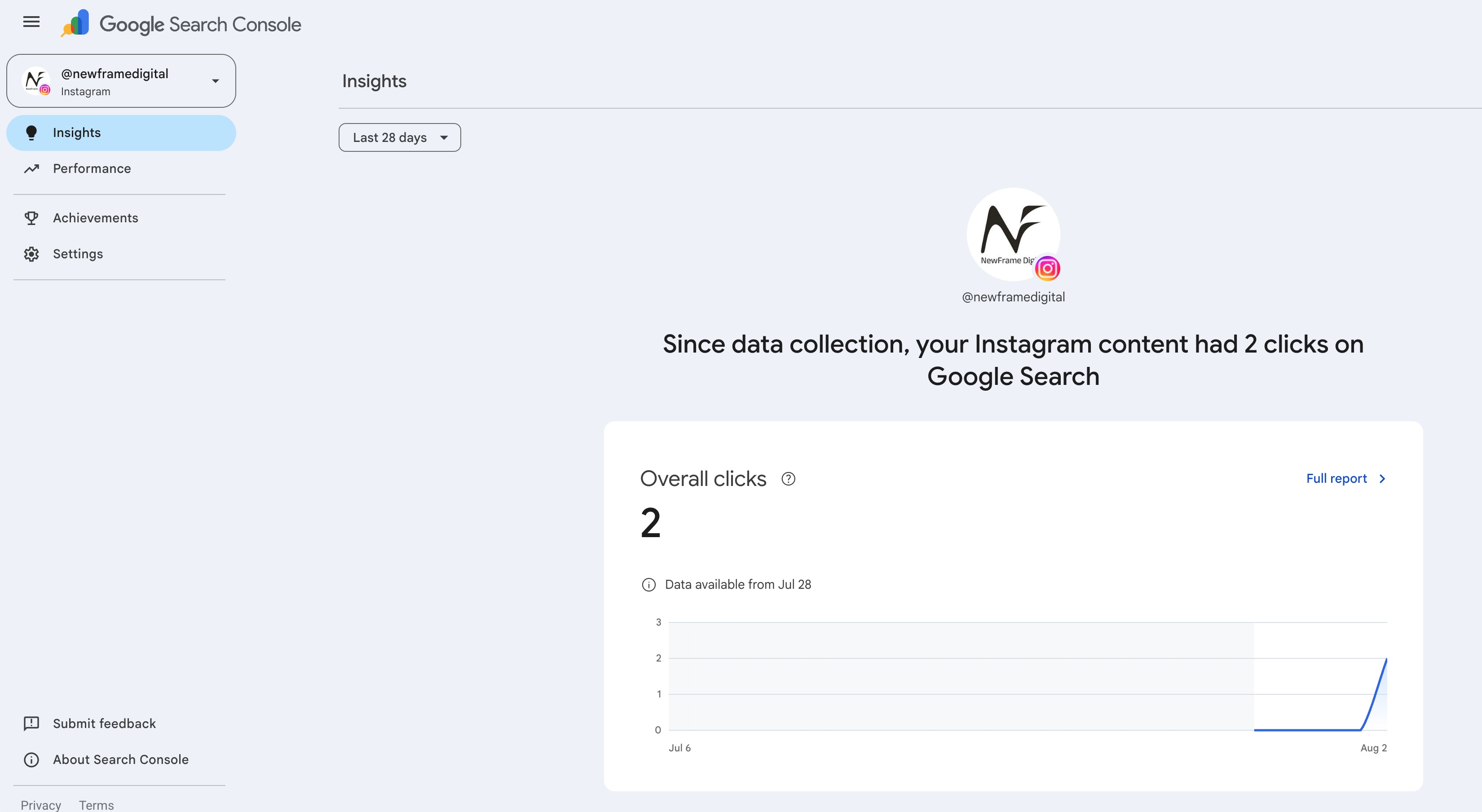
Performance is the full report, with six tabs:
- Queries shows the searches your content appeared for.
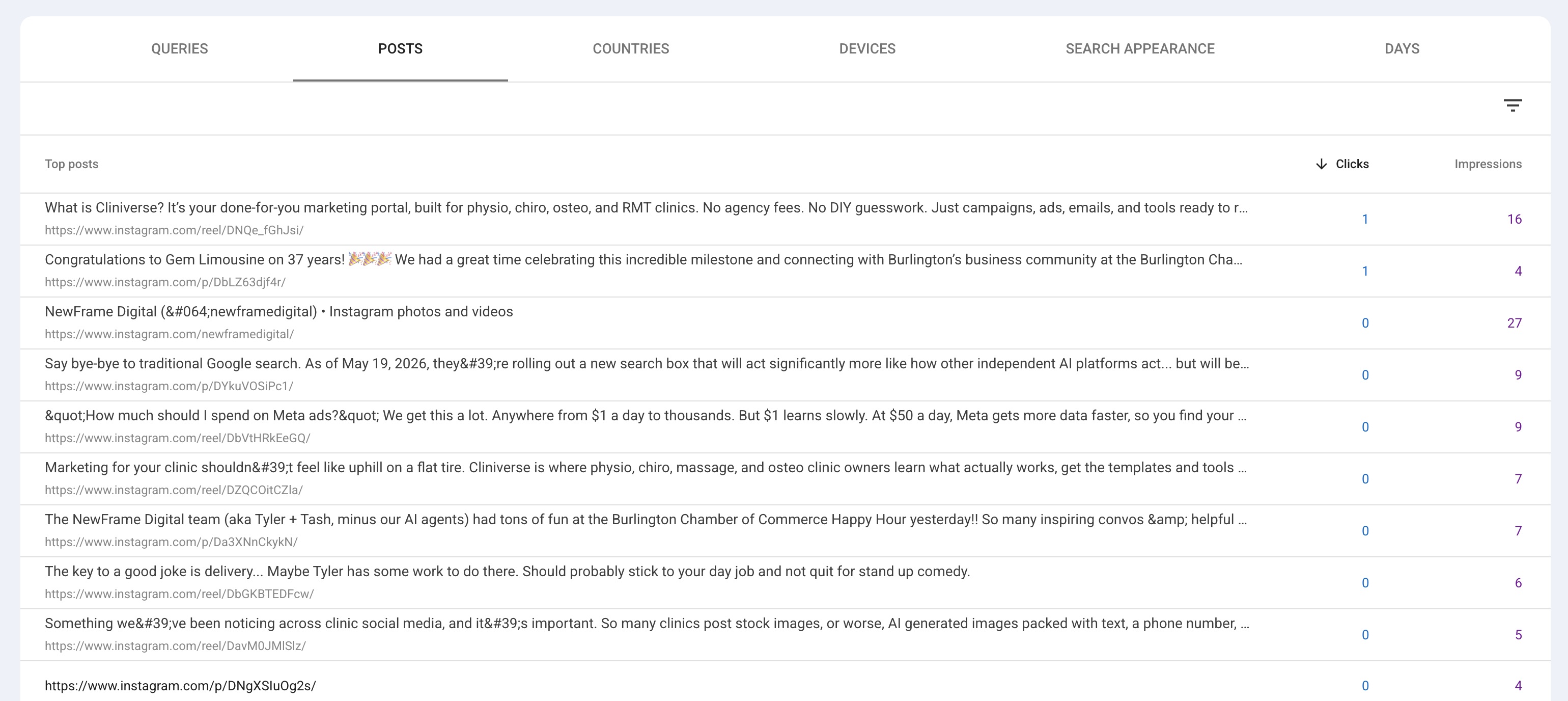
- Posts shows which individual posts are showing up.
- Countries shows where those searchers are, useful if you're pulling views from outside your catchment.
- Devices splits it by phone, desktop, and tablet.
- Search appearance shows how you appeared, for example as a video result.
- Days breaks the whole thing out by date.
Every tab reports clicks, impressions, CTR, and average position. Tick the boxes above the chart to show the ones you want.
Expect thin numbers at first. Data starts the day you connect, not before.
How To Read It
We published a YouTube video about HubSpot. The searches now pulling it up in Google are hubspot dashboard, hubspot marketing dashboard, hubspot analytics dashboard. The subject earned those searches, not the hashtags or the posting time.
Our Instagram is the opposite. Every query there is our own name: cliniverse, new frame digital, newframe, new frame creative. People who already knew us, looking us up.
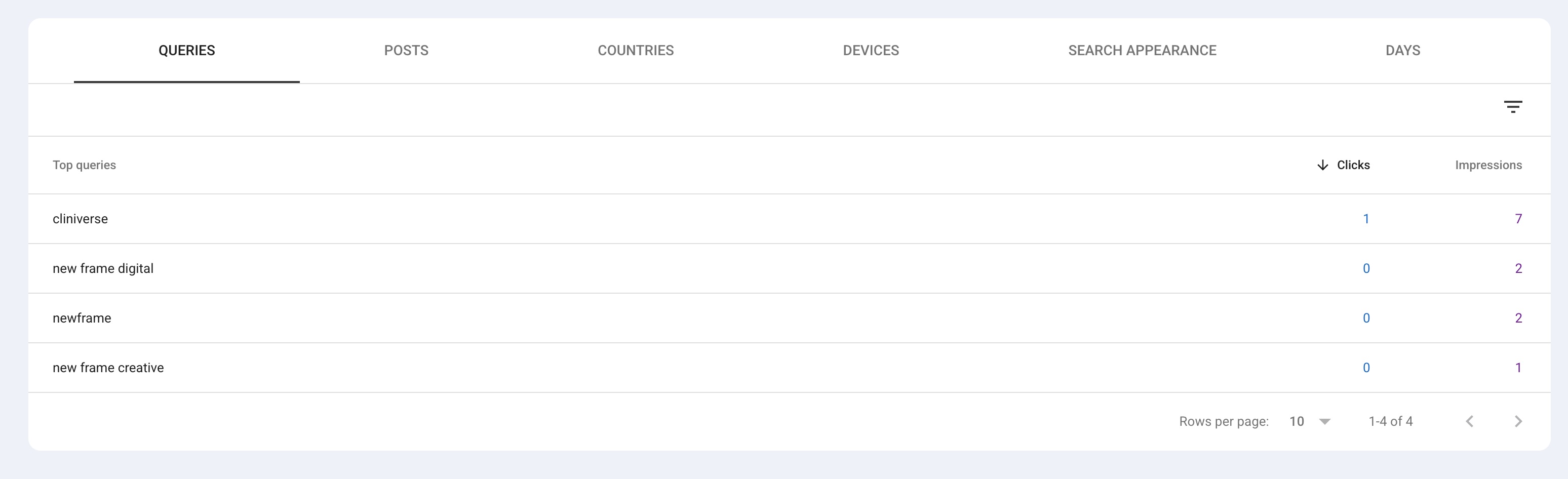
Check yours for that gap. Queries that are your clinic name mean social is catching people who already know you. Queries about a subject mean it's bringing in people who don't.
Find what's already working. If a Reel about knee pain is pulling searches you didn't expect, that's a signal to make more on that subject. You'd be answering a question people are already asking.
Find what's invisible. A gym selfie with no words around it won't surface for anything, because there's nothing in it to match a search.
Names are the exception. A post welcoming a new physio, with their name in it, can surface when someone searches that name. It's the same reason practitioner bio pages pull steady traffic on clinic websites.
Watch the impressions column too. A post with impressions and no clicks appeared in results and nobody chose it, and that usually comes down to your caption.
The first line of your caption becomes the clickable headline, the next bit becomes the description.
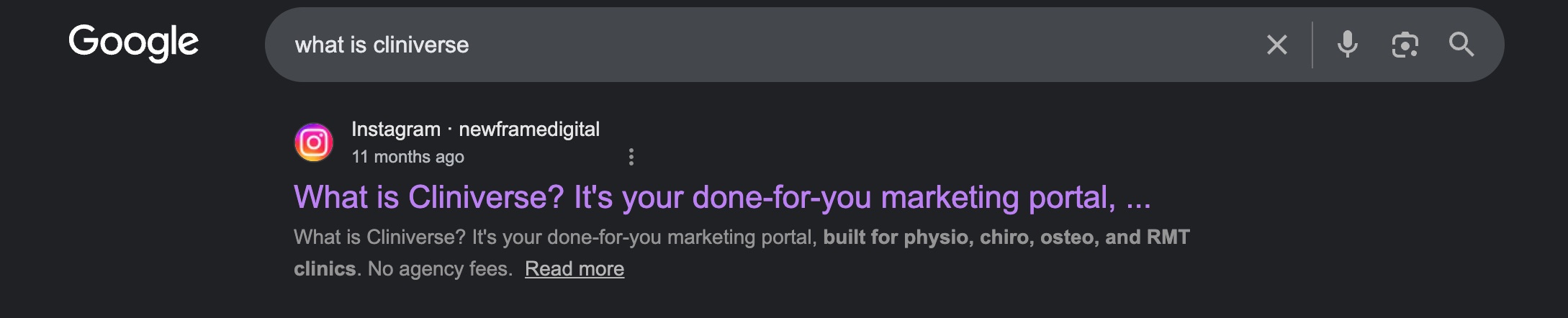
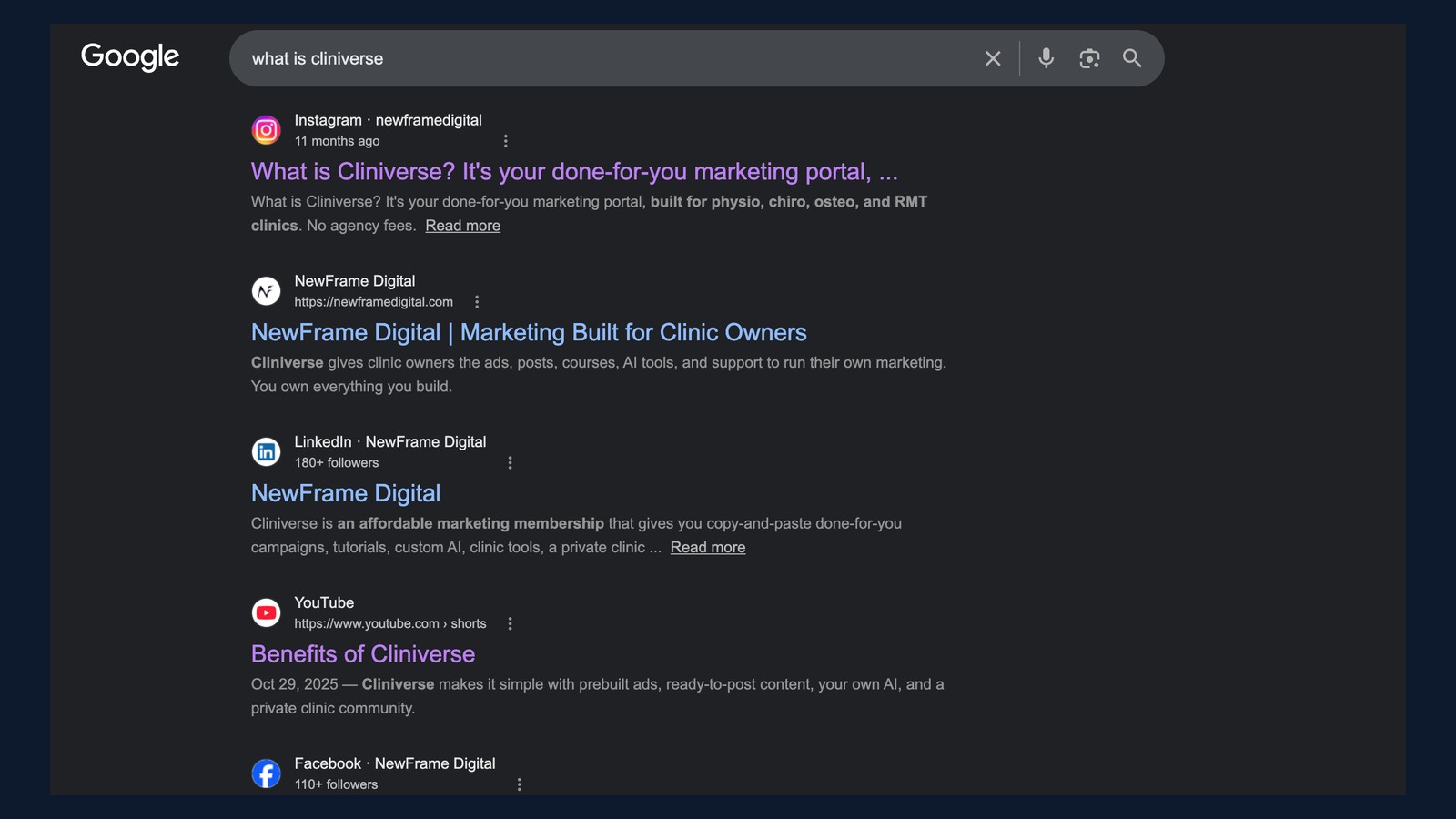
Your opening line is doing the job a page title does. "What is Cliniverse? It's your done-for-you marketing portal" reads like an answer to the search. "Happy Friday everyone!!" gives someone nothing to click.
So write the first sentence with the words someone would type. A caption that opens with "what to expect at your first physio appointment" can be found by someone searching that. Bury the same information in the fourth line, under a greeting and two emojis, and Google has nothing to show. The rest of the caption can sound however you like, but that first line is the part doing the finding.
Over a few weeks the Queries tab becomes a content list. The searches you appear for weakly are the ones worth covering next.
For the website side of Search Console, our overview walks through the reports we open first. And if this has you rethinking what to post, our take on social media for clinics covers what to stop and what to start.
Related Articles
 Get Found Online
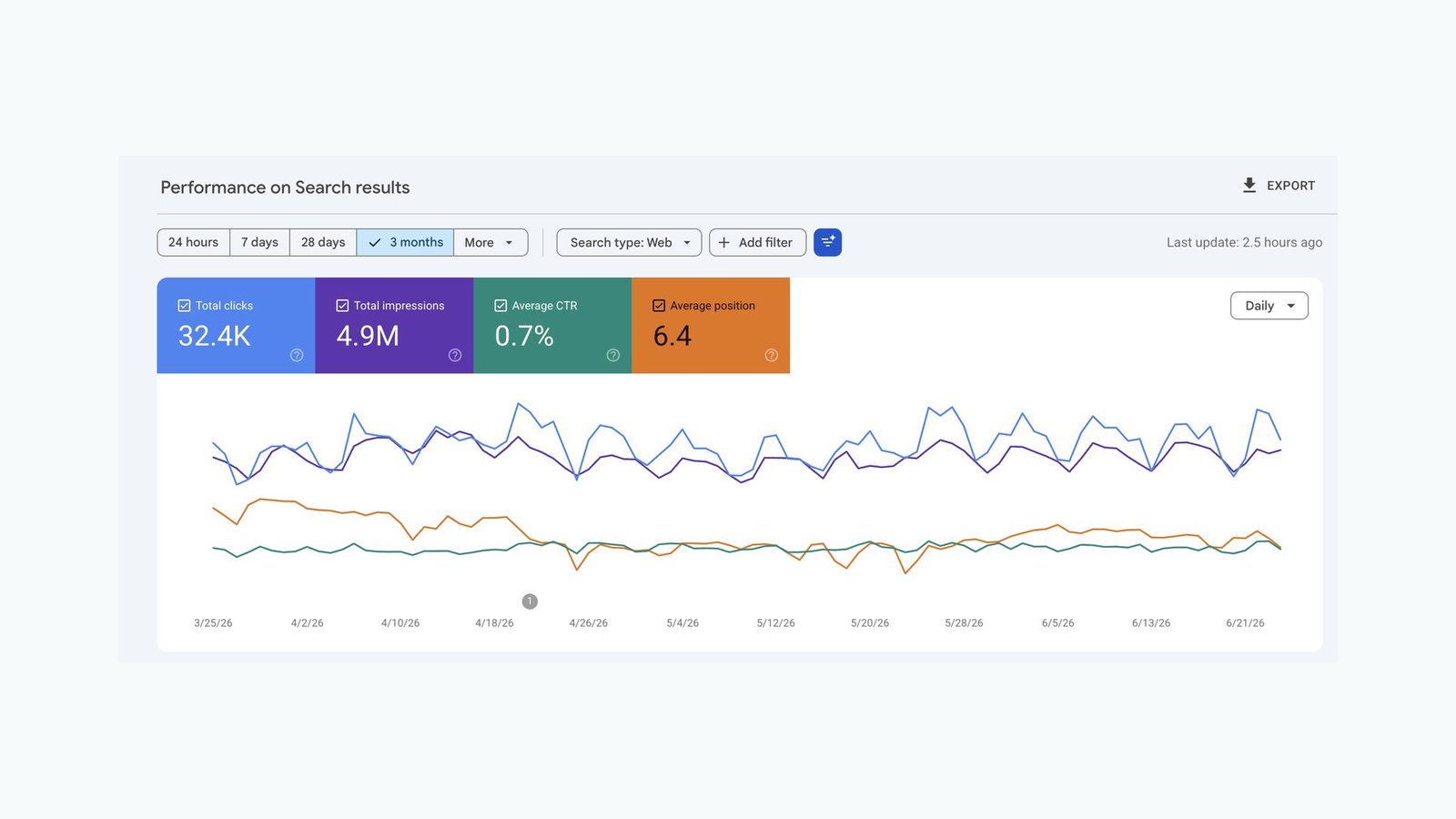
What Google Search Console Reveals About Your Patients
Google Search Console shows the searches that bring patients to your clinic site. Here's what it does, how we use it, and how to turn it into more bookings.
Tyler · August 5, 2026
 Get Found Online
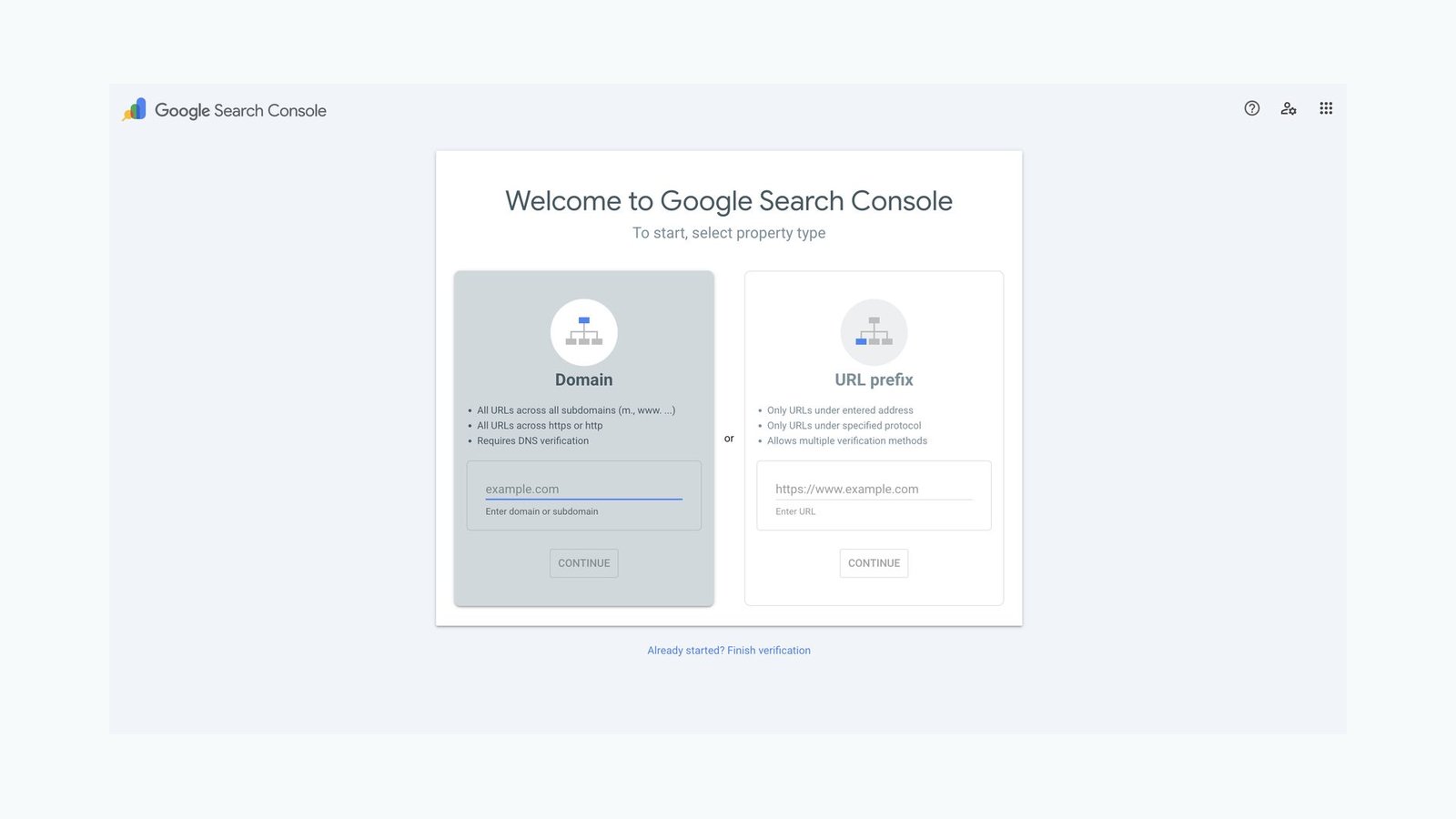
How To Set Up Google Search Console the Right Way
Set up Google Search Console as a Domain property with one DNS record so you capture every version of your clinic site in a single dashboard.
Tyler · July 2, 2026
 Get Found Online
Are Embedded Testimonial Sliders Good for SEO?
Embedded review widgets are great for visitors, but a weak signal for Google and AI search. Here's what they do and the easy fix.
Tyler · May 7, 2026
Run Your Own Clinic Marketing
Cliniverse gives you the ads, posts, courses, and AI to grow your clinic, with experts on call. You own everything you build.