
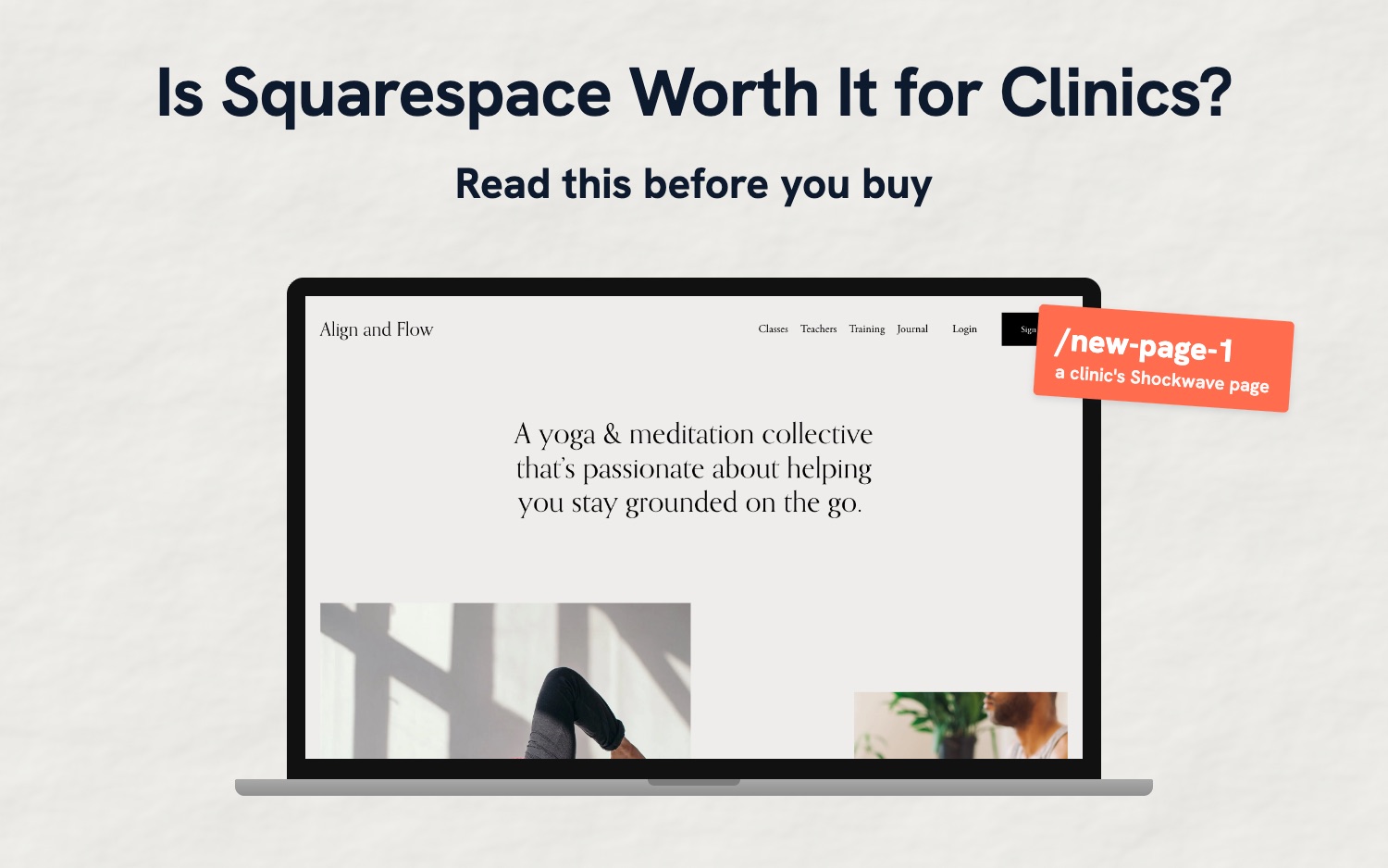
Is Squarespace Worth It for Clinics? Read This Before You Buy
A lot of clinic owners build on Squarespace. The templates look polished, the editor is friendly, and it's hard to make a Squarespace site look bad. We see plenty of them when we audit a clinic's marketing, and we work on a few for clinics we help. Worth knowing up front: we have a website builder for clinics, so we're a competitor.
Is Squarespace worth it for a clinic? It's a decent, user-friendly website builder, and of the drag-and-drop builders it's the one we'd lean toward. But you design every page and write every word yourself, and the details Google relies on (your page addresses, titles, headings, image names and alt text) are yours to manage. Some of what Google reads about your clinic is also set by Squarespace, and you can't change it. If you enjoy building and looking after your own site, Squarespace can work well. If you'd rather the site look after itself, we'd point you to our own Cliniverse Sites at $99 a month.
What Squarespace Costs a Clinic
Squarespace has 4 plans, priced in Canadian dollars on its pricing page:
| Plan | A month, billed yearly | A month, billed monthly | People who can manage the site |
|---|---|---|---|
| Basic | CA$21 | CA$30 | 2 |
| Core | CA$32 | CA$45 | Unlimited |
| Plus | CA$46 | CA$59 | Unlimited |
| Advanced | CA$109 | CA$139 | Unlimited |
There's a 14-day free trial and no free plan. Only yearly plans include a free domain for the first year.
For a clinic, the plan that matters is Core. Basic caps you at 2 people (you and one other), so the owner, the front desk and whoever writes your blog posts won't all fit. Basic also leaves out code injection, which is how you add your own tracking or extra business details for Google, along with the advanced analytics, the Mailchimp connection and the announcement bar you'd use for a holiday closure. Templates aren't limited by plan: every plan gets all of them.
What Squarespace Does Well
You start from a template or let Squarespace's AI build a first draft, then arrange text, photos and buttons on a grid inside each section. It's structured enough that it's hard to break, which is why we lean Squarespace over Wix.
In Squarespace's current editor, the phone layout is its own layout, so moving things around on desktop doesn't scramble the phone version (Squarespace's guide). New blocks and text changes still carry over, and Squarespace recommends checking the phone layout as you go. Of the 30 clinic sites we looked at closely, only 1 had a problem on a phone: a Book Now button sitting on top of the main heading.
Squarespace makes up to 7 sizes of each photo you upload and serves the smaller WebP format on its own, so a big photo from your phone won't slow your site down.
You can edit each page's title and description, Squarespace builds your sitemap, there's a redirect tool for old page addresses, and you can connect Google Search Console from the analytics panel to see the searches people find you with. Analytics come with every plan, forms have no cap, and the AI can write page descriptions and alt text for you.
Where Squarespace Falls Short
We went through a list of about 1,700 Canadian clinic websites, found 188 built on Squarespace, and looked closely at 30 massage, physio, chiro and multidisciplinary clinic sites picked at random.
None of the 30 had leftover template text or social icons linking to Squarespace's own accounts. The gaps are in the parts you can't see.
You Design and Write Every Page
A Squarespace template is a look, not a clinic website. It doesn't come with a page for each practitioner, a page for each condition you treat, or anything that links your services, team and locations together. You decide which pages to build, lay out each one, and write every word. Squarespace's AI doesn't know your college's advertising rules, so nothing stops it writing "the best physio in Burlington" or promising results your college doesn't allow.
Squarespace Decides What Google Reads About Your Clinic
Behind every website is code that tells Google what the business is, where it is and when it's open (Google's guide). Google uses it for search results and AI answers for searches like "physio near me" and "sciatica treatment Oakville".
Squarespace writes that code for you from its Business Information settings. It always describes you as a generic local business, never a physio, chiro or massage clinic. It covers one location, and Squarespace's own advice for a clinic with several is to list the main one (Squarespace's guide). The address goes in as a single line of text. You can change the details, but not the type, the format or whether it's there.
Adding better details means writing your own code and pasting it into code injection, which needs Core or higher. Even then, Squarespace's version stays on the page next to yours. On one clinic site we work on, Google is now reading 2 versions that disagree: Squarespace's says the clinic closes at 2 on Fridays and lists no phone number or unit number, and ours has the hours from the clinic's Google Business Profile. The only fix is to keep Squarespace's Business Information settings matching your Google profile, which is easy to forget when your hours change.
Of the 30 sites:
- 15 gave Google no business details at all
- 7 of the 15 that did listed an address, postal code or phone number that doesn't match their own homepage
- 2 listed hours that can't be right: open 00:00 to 00:00 every day, and closing at 5:30 in the morning
- Only 2 described themselves as a clinic, and both had added their own code to do it
Page Addresses, Headings and Titles Are Up to You
When you add a page in Squarespace it starts with an address like /new-page-1, and a copied page gets an address like /about-1, until you rename it. 12 of the 30 sites linked to pages like that. One clinic's Shockwave page lives at /new-page-1, its FAQs at /new-page-2, and its booking page at /book-your-stay, left over from a hotel template. An address like /shockwave-therapy tells patients and Google what the page is. Renaming a page later means adding a redirect from the old address so it doesn't turn into an error page (Squarespace's guide).
Each page should have one main heading that says what it's about. Squarespace lets you set any text as a main heading, so it's easy to end up with several or none. Of the 30 homepages, 10 had exactly 1, 10 had none, and 10 had between 2 and 12.
Squarespace uses your site name as the homepage title unless you change it, and 14 of the 30 homepage titles were the clinic's name and nothing else. That title is the first thing Google shows in search results, and "Physiotherapy in Oakville" in it does a lot more work than a name alone.
Image file names and alt text (the description Google and screen readers use) are yours to add, and images used as section backgrounds can't have alt text at all.
A Few Quirks You Can't Change
Dropdown menus: in Squarespace's current version, the top item of a dropdown only opens the menu. If you have a "Services" menu with your services under it, "Services" can't also be a page patients land on, unless you add custom code.
The homepage: Squarespace's homepage also loads at /home, and Squarespace's sitemap lists /home even though /home tells Google to use your main address instead. You can't edit the sitemap, so SEO tools keep flagging it, and you can't delete the homepage without making a different page the homepage first (Squarespace's guide).
The Upkeep Is Yours
Squarespace doesn't tell you when a link on your site breaks or when your Google Business Profile shows different hours from your website. 4 of the 30 had a broken link on their homepage, including a menu item and the main button at the top of the page. The copyright year is typed by hand as well: of the 5 sites that showed one, 3 said 2022 or earlier.
Leaving Squarespace Is Harder Than Joining
If you stop paying, your site doesn't drop back to a free address. It shows a "Website expired" message, and after 30 days your content may be deleted for good (Squarespace's guide). Squarespace's export covers your pages, one blog and the text and images in them; store pages, video blocks, extra blogs, custom code and your design don't come with it, and image links in the export stop working once the site is cancelled (Squarespace's guide). If you switch builders, plan to copy your pages across and set up redirects from every old address.
Is Squarespace Good for SEO?
For the basics, yes, and a clinic that fills them in well can rank on Squarespace. What it won't do is tell Google you're a clinic, cover more than one location, or let you fix its sitemap and business details.
A Note on Booking
If your clinic books through Jane, booking won't decide this: 20 of the 30 sites we checked linked out to Jane. On Squarespace, your Book button opens your Jane booking page, the same as on any other builder (Jane's guide). If you're also weighing Jane's own website builder, we reviewed Jane Websites too.
Squarespace's own scheduler, Acuity, is a separate subscription for businesses without booking software. Only 1 of the 30 clinics used it. Squarespace says its website forms can't be used for health information (Squarespace's guide), so whatever builder you use, keep health details out of your website forms and let patients share them in your booking or charting software.
Squarespace Alternatives for Clinics
Cliniverse Sites: Made for Clinics, With the Upkeep Handled
Cliniverse Sites is ours, and it's what we'd recommend to a clinic that wants a site that looks after itself. It's $99 a month CAD plus tax, with no contract and a 30-day satisfaction guarantee.
You answer onboarding questions about your clinic, profession, team, services and the conditions you treat, and the AI writes the whole site with your province's and profession's advertising rules loaded in from the first draft. After that, you change things by typing ("add a page for TMJ") or by clicking any text and editing it.
It's a different trade-off to Squarespace. You don't design each page from scratch or edit the code, because every page is built from sections made for clinics and for phones. In return, the parts Squarespace leaves to you are done:
- Pages for your practitioners, services and the conditions you treat, linked together
- Code that tells Google you're a medical clinic, with your address, phone and hours filled in from the same details your footer shows, and a page with its own details for each location
- Page addresses written from the page's topic (/conditions/sciatica, not /new-page-1) that forward to the new address if you change one, one main heading on every page, and a homepage title with your clinic's name and city
- Photos resized and compressed when you upload them, with alt text and a descriptive file name written for you
- A Services menu item that opens your services page and also shows each service in a dropdown
- A nightly check for broken links and pages, with the clear-cut ones fixed for you
- A daily check of your Google Business Profile against your website, where you pick the right version when your hours, phone or services don't match
- An AI that reads your Search Console data and suggests changes to move up, then makes them when you say yes
- As many team members and form submissions as you need, with every enquiry on a Leads page
Because every Sites clinic is on the same templates, when we improve something, every site gets it at once. Moving from Squarespace is built in too: the importer reads your Squarespace site, brings your blog posts across, and forwards your old addresses to the new pages.
WordPress and Elementor: Full Control Over a Site You Own
Outside of Cliniverse Sites, this is what we'd recommend, and if you want complete control over every part of your site, we'd point you here over Sites too. Build on WordPress with Elementor, a drag-and-drop page builder. WordPress is free, Elementor has a free version, and Elementor Pro starts at $60 USD a year. Hosting is about $10 to $30 USD a month or more, depending on the host.
You own the site outright, you can move it to any host, and there's a plugin for almost anything a clinic needs, including the business details Squarespace won't let you change. The trade-off is upkeep: WordPress and its plugins need regular updates, and when something breaks, it's on you or whoever you hire. Our guide to building a WordPress website walks through it.
Wix: If You Want More Freedom
Wix gives you more freedom than Squarespace: you can drag anything anywhere on the page. That freedom is also where Wix sites break, especially on phones, which is why we lean Squarespace between the two. We went through the same checks on Wix clinic sites in our Wix review.
Squarespace vs the Alternatives Side by Side
| Squarespace | Wix | WordPress + Elementor | Cliniverse Sites | |
|---|---|---|---|---|
| Monthly price | From CA$21 billed yearly | From $17 billed yearly | About $10 to $30+ USD for hosting, plus Elementor Pro from $60 USD a year | $99 CAD |
| Made for clinics | No | No | No | Yes |
| Design control | Drag and drop within sections | Full drag and drop | Full, plus custom code | 11 themes with your logo, colours, fonts and photos |
| Phone layout | Separate phone layout, check it after changes | Made from desktop, check it after changes | Adjusts to phones, with phone settings to check | Every section built for phones |
| People who can manage the site | 2 on Basic, unlimited from Core up | 2 to 100, by plan | Unlimited | Unlimited |
| Tells Google you're a clinic | Only with your own code (Core and up) | No | Through plugins | Yes, as a medical clinic |
| Knows your college's advertising rules | No | No | No | Yes |
| Broken links checked for you | No | No | Through plugins | Nightly |
| Google profile checked against your site | No | No | No | Daily |
| Who does the work | You | You | You, or whoever you hire | You and the AI |
| If you cancel | Site goes offline, content may be deleted after 30 days | Back to a free Wix address with ads | You keep everything | Your content is sent to you |
When Squarespace Still Makes Sense
If you're a solo practitioner or a small clinic, you like designing, and you'll keep on top of the details, Squarespace is a good choice, and the entry plans cost less than ours.
If you're staying on Squarespace, work through this list:
- Open Business Information in your settings and make sure the address, phone and hours match your Google Business Profile exactly.
- Rename any page with an address like /new-page-1 or /about-1, and add a redirect from the old address.
- Give every page one main heading, and its own title and description in the SEO settings. Put your service and city in the homepage title.
- Add alt text to your images, and name files plainly (shockwave-therapy-oakville.jpg, not IMG_4021.jpg) before you upload them.
- Tap every menu item, button and footer icon to make sure each one goes somewhere.
- Open your site on your phone after every change and scroll each page you edited.
- Update the copyright year in your footer, or replace it with your clinic name alone.
Squarespace for Clinics: Frequently Asked Questions
Which Squarespace plan does a clinic need?
Core, for most clinics. Basic allows only 2 people to manage the site and leaves out code injection, which you need for most tracking and for adding better business details for Google.
Can I change the business details Squarespace gives Google?
You can change the details in Business Information (address, phone, hours), but not how Squarespace describes your business or how many locations it covers. You can add your own code on Core and up, but Squarespace's version stays on the page too, so keep the 2 matching.
How many people can edit a Squarespace site?
2 on Basic, including you, and unlimited on Core and up.
Can I put Jane booking on my Squarespace site?
Yes. Add a Book button or menu link that opens your Jane booking page. That works on every plan.
Is Squarespace safe for patient health information?
Squarespace says its website forms can't be used for health information, and its health privacy option only covers its separate scheduler, Acuity, under US rules. Whatever builder you use, keep health details out of your website forms and let patients share them in your booking or charting software.
What happens to my site if I stop paying Squarespace?
The site goes offline with a "Website expired" message, and after 30 days your content may be deleted. Export what you need before you cancel.
Can I move my Squarespace site to Cliniverse Sites?
Yes. The importer reads your Squarespace site, brings your blog posts across, and forwards your old page and post addresses to the matching new pages so old links and search results still work.
Our Take on Squarespace for Clinics
If you're going to build a clinic site yourself, Squarespace is the drag-and-drop builder we'd lean toward. The trade-off is that you design and maintain everything, and some of what Google reads about your clinic is set by Squarespace and can't be changed.
If you'd rather the site look after itself, start with Cliniverse Sites. If you want to learn the rest of your clinic's marketing too, Cliniverse has courses, ready-to-use marketing templates and a community of clinic owners working on the same things. If you want full control, build on WordPress. And if you're staying on Squarespace, work through the list above.
Related Articles
 AI & Tools
Is Wix Good for a Clinic Website? An Honest 2026 Review
Wix review for clinics: what each plan costs, the mistakes we find on Wix clinic sites, how Wix SEO holds up, and the builders we'd pick instead.
Tyler · October 22, 2026
 AI & Tools
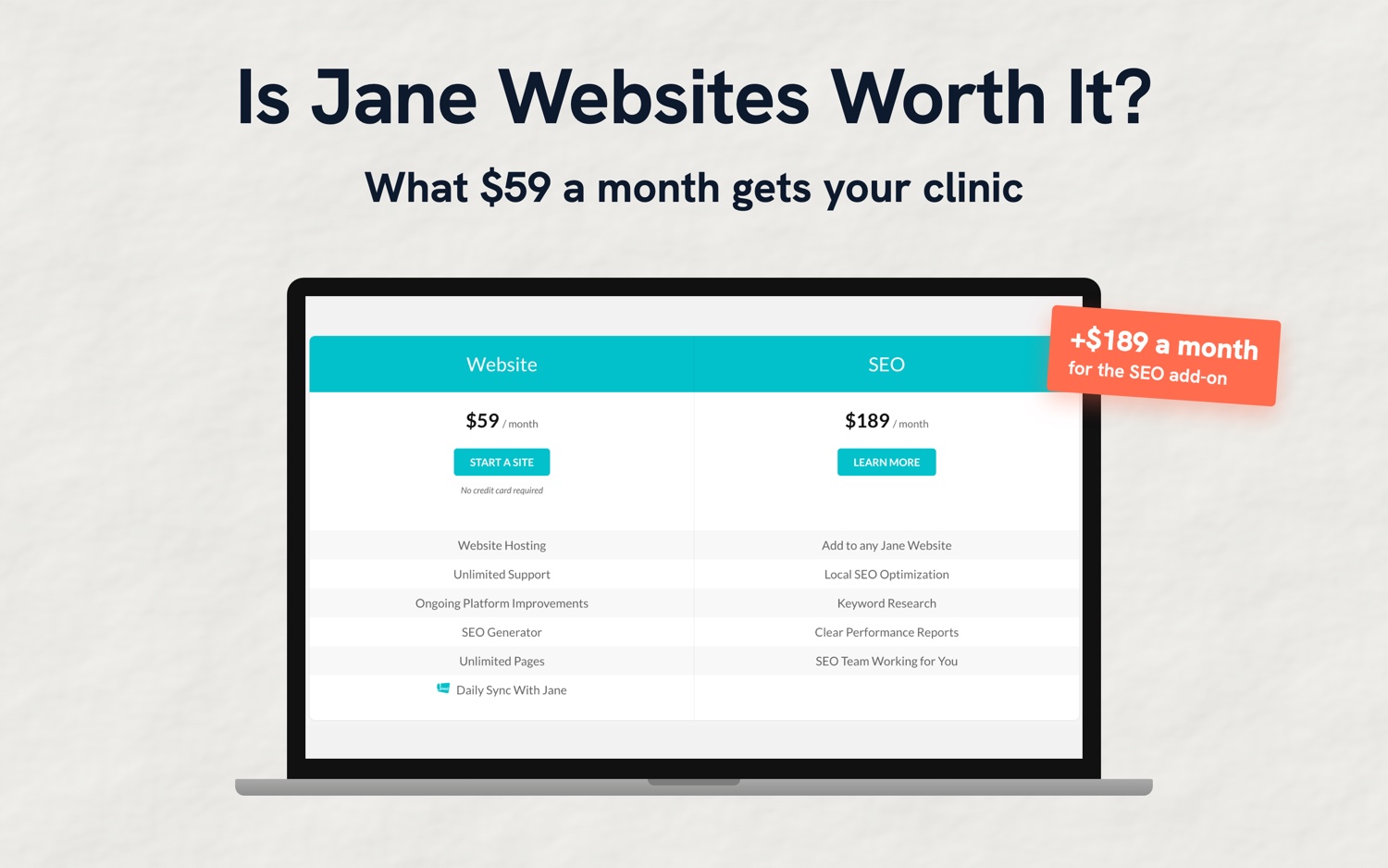
Is Jane Websites Worth $59 a Month? An Honest 2026 Review
Jane Websites review for clinics: what $59 a month gets you, what the $189 SEO upsell adds, and the website builders we'd pick instead.
Tyler · October 22, 2026
 AI & Tools
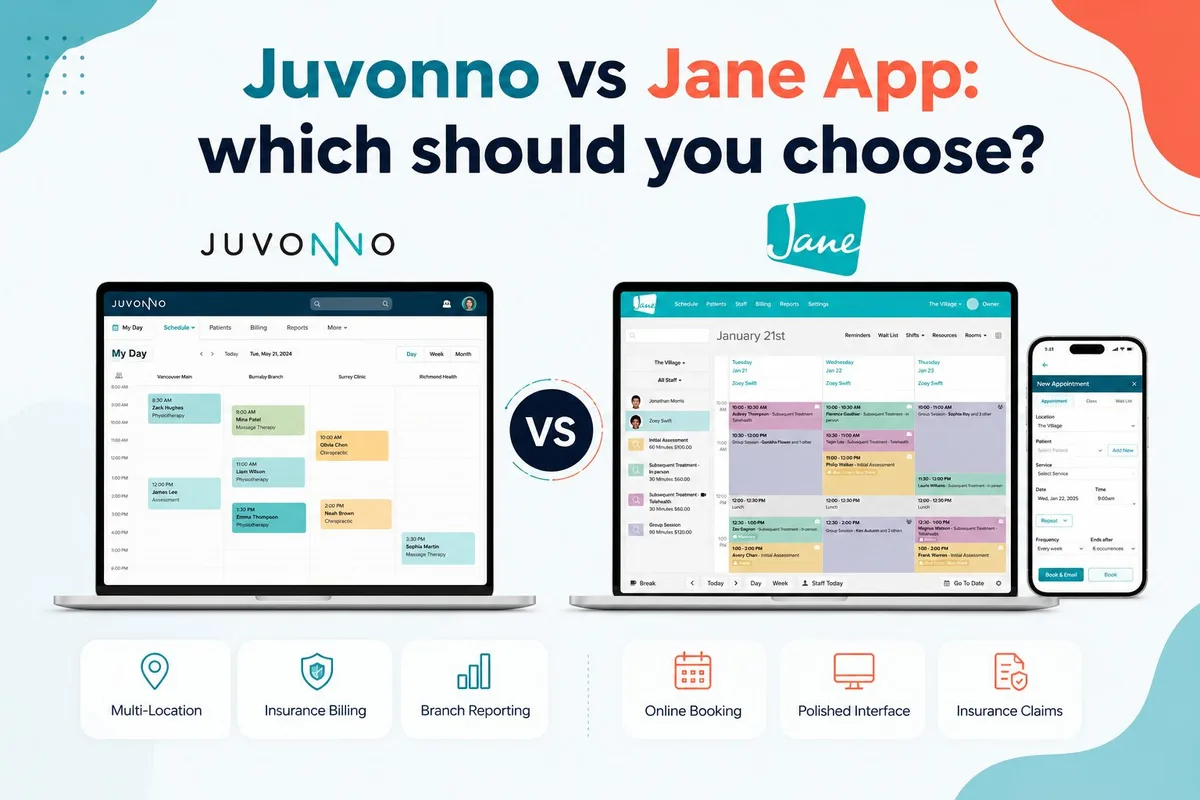
Juvonno vs Jane App: Which Clinic Software Fits You?
An honest Juvonno vs Jane App comparison for Canadian clinics. Pricing, billing, multi-location, interface, and who each one fits best.
Tyler · October 1, 2026
Run Your Own Clinic Marketing
Cliniverse gives you the ads, posts, courses, and AI to grow your clinic, with experts on call. You own everything you build.