

Simplifying SEO: Best Practices for Your Website to Rank on Google
Many marketers might make SEO seem overly complex, but in reality, it’s quite straightforward once you understand the best practices. I’m here to demystify these practices for you, breaking them down into simple steps that you can easily apply to your website.
Optimizing Your Headers
Optimizing headers is a simple yet powerful tweak for improving your website’s SEO. Google scans these headers to grasp your business’s essence and determine your search relevance. Implementing a hierarchical structure in your headers not only aids Google’s understanding but also enhances your site’s organization for better user and crawler navigation.
Begin with H1 tags to define the main topic of each page, like “Electricians in Austin, Texas” for a service-related page. This approach not only clarifies the page’s content for Google but also helps to target your specific audience, especially if your business caters to a particular location.
Progress to H2 headers for detailed subsections and questions commonly searched on Google. If a subsection requires further division, use H3 headers. This hierarchy helps Google’s crawling process and enhances understanding of your content. Remember, the choice of header should be based on content relevance rather than font size, which can be adjusted separately.
For example, start with an H1 tag like “Electricians in Austin, Texas” for a service page. Follow up with H2 tags for main sections, such as “Reasons to Call an Electrician,” and use H3 tags for detailed points within those sections. This structured approach guides users through your content logically and helps search engines understand the hierarchy and relevance of your information.

Optimizing Your Photos
Incorporating photos on your website not only enhances visual appeal but also improves SEO rankings. Ensuring these photos are fully optimized is key. Optimizing images involves several strategies to ensure they contribute positively to your site’s SEO performance.
How to Title Photos Properly for SEO Rankings
Ensure your photos have descriptive titles that Google can easily crawl. This means accurately describing the image and, if applicable, including location information in the title to enhance relevancy for local searches.
When titling your photos for SEO, use dashes instead of spaces between words. This helps Google’s crawlers better understand and index the content of your photos.
When uploading photos, it’s crucial to include alt text that matches the title of the image. This practice enhances SEO by providing search engines with context and improving web accessibility.
How Big Photos Should Be on a Website
Ensure your photos are optimized for the web by keeping file sizes manageable. Large images can slow down your website, negatively impacting user experience and potentially harming your SEO rankings. Aim for a balance between quality and file size for optimal performance.
Keep photo file sizes below 250 KB to prevent slowing down your website. Smaller files help maintain fast loading times, improving user experience and SEO. Also, utilize lazy loading if your site supports it, to further speed up page display.
Imageresizer.com is a helpful tool for optimizing images. It allows you to adjust dimensions, crop images, and select desired file sizes. It also supports bulk uploads for efficiency.
Proper Meta Descriptions
Crafting well-structured meta descriptions is crucial for SEO. These should include relevant keywords and be compelling enough to encourage clicks to your site.
Meta descriptions offer a concise summary of a webpage, ideally no longer than 160 characters to avoid being truncated in search results. Exceeding this limit may lead Google to generate its own summary.
To find which titles and descriptions are worth rewriting, check Google Search Console. It shows you the pages getting plenty of impressions but few clicks, the exact ones where a sharper title or description earns you more of the traffic you're already showing up for.

URL Structure
For the final tip, focus on creating well-structured URL slugs that include keywords relevant to your content. An example URL for an electrician service in Austin might be “/electricians-in-austin-texas,” which incorporates crucial keywords effectively.
A frequent mistake is cloning web pages without updating the URL slug, leading to automatic, non-descriptive URLs with added numbers. It’s crucial to customize the URL slug for each new page to ensure clarity and relevance before publishing.
While there are numerous advanced strategies to boost SEO rankings, the tips provided cover fundamental and manageable changes you can apply to your website. These basics are essential for improving your site’s visibility on Google and enhancing overall SEO performance.
If you’re seeking to enhance your website’s performance and expand your reach, our expertise in digital marketing can significantly elevate your brand’s visibility in the digital realm.
Related Articles
 Get Found Online
Are Embedded Testimonial Sliders Good for SEO?
Embedded review widgets are great for visitors, but a weak signal for Google and AI search. Here's what they do and the easy fix.
Tyler · May 7, 2026
 Get Found Online
What Should Your Website Footer Include? (And Why It Matters for AI)
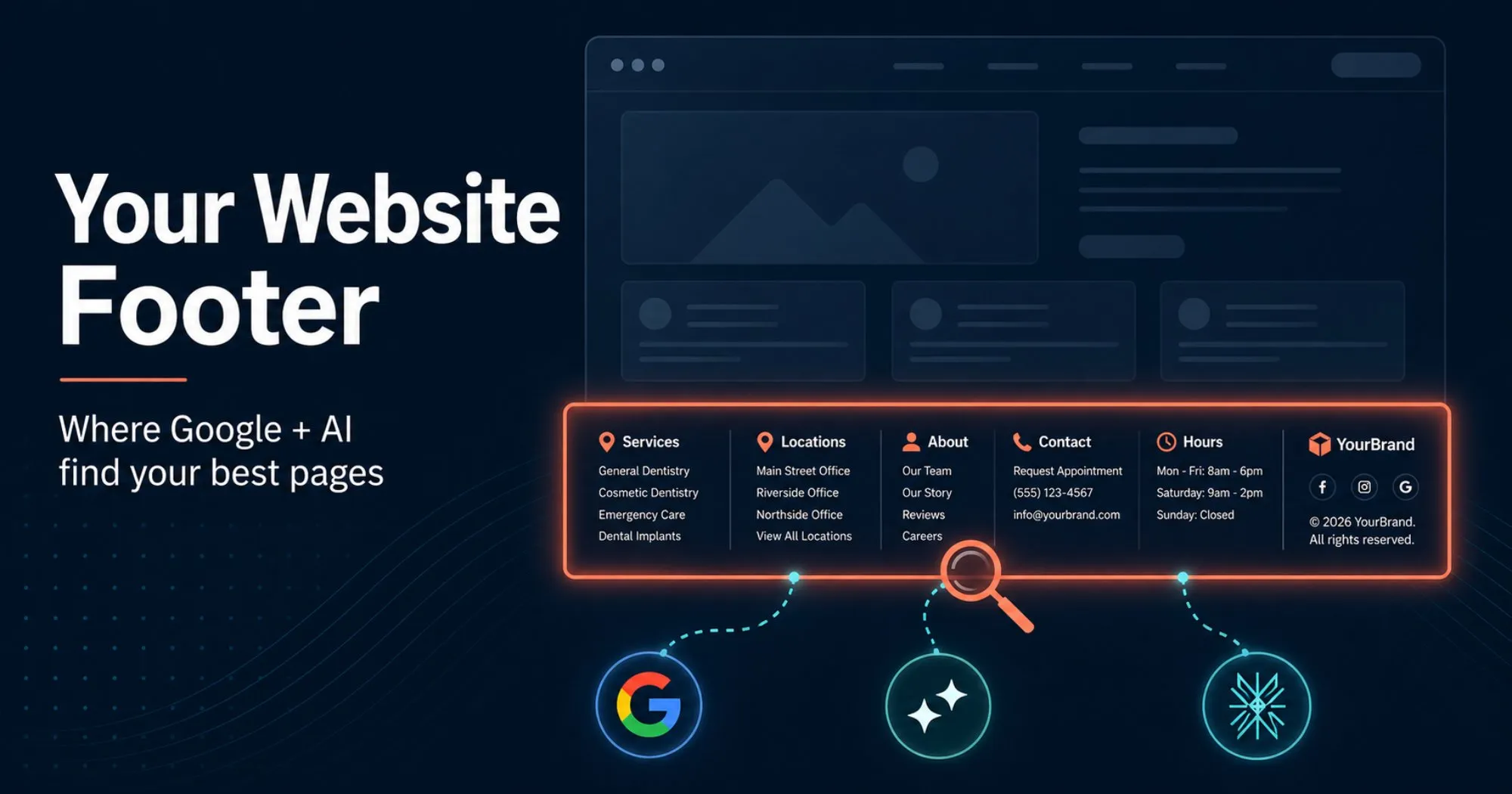
Your website footer is prime real estate for SEO and AI search. Here's what to include so Google and AI engines can crawl and cite your best pages.
Tyler · May 2, 2026
 Get Found Online
What's Image Alt Text For in 2026?
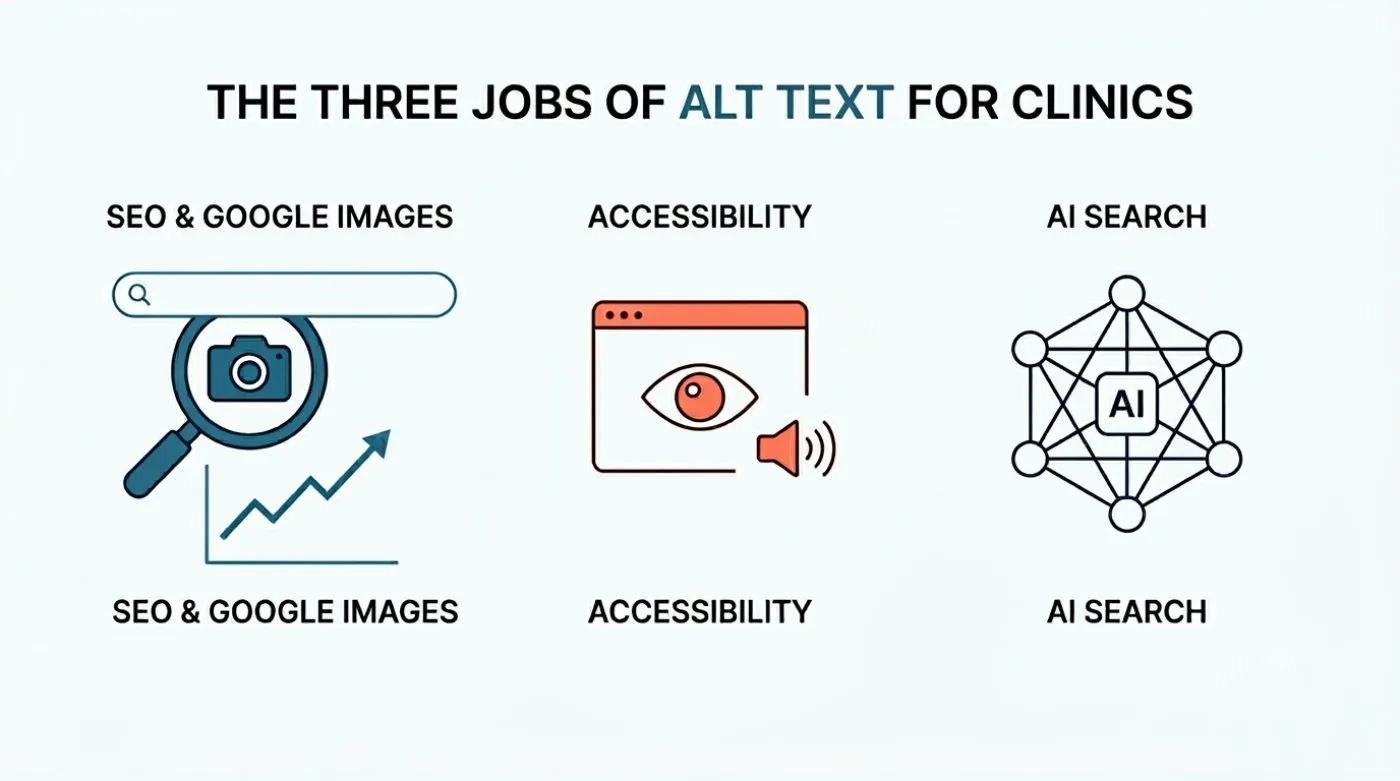
Image alt text does three things in 2026: SEO, accessibility, and AI search. Here's what each job looks like for local business websites, with proof.
Tyler · May 30, 2026
Run Your Own Clinic Marketing
Cliniverse gives you the ads, posts, courses, and AI to grow your clinic, with experts on call. You own everything you build.